Case study / Marketing agency

Bold Agency

UI for Bold Agency: a black-and-yellow marketing site with eight services, a project grid and a WhatsApp route for add-ons.

Launching soon

Role
UI design
Through
Direct client
Duration
2 weeks
Industry
Marketing agency

The Brief

Bold is a marketing agency that builds brands and digital experiences. The site had to do three jobs: say who Bold is, show the eight services it sells, and prove the work with real projects. A visitor should be able to reach the team from anywhere on the page.

I designed the UI in two weeks.

The Challenge

Bold’s identity is loud: a black page, one yellow accent and a cartoon character who is part of the brand. The challenge was to keep that energy without making a long page hard to scan. The home page runs from About Us through services, quick add-ons, selected work, testimonials, FAQs and the blog, so I had to give every section a clear start and end.

Key Decisions

A list you can scan. I set the eight services as large lines under a yellow label, each with a small yellow number from 1/ to 8/. The numbers are the only colour in the list.
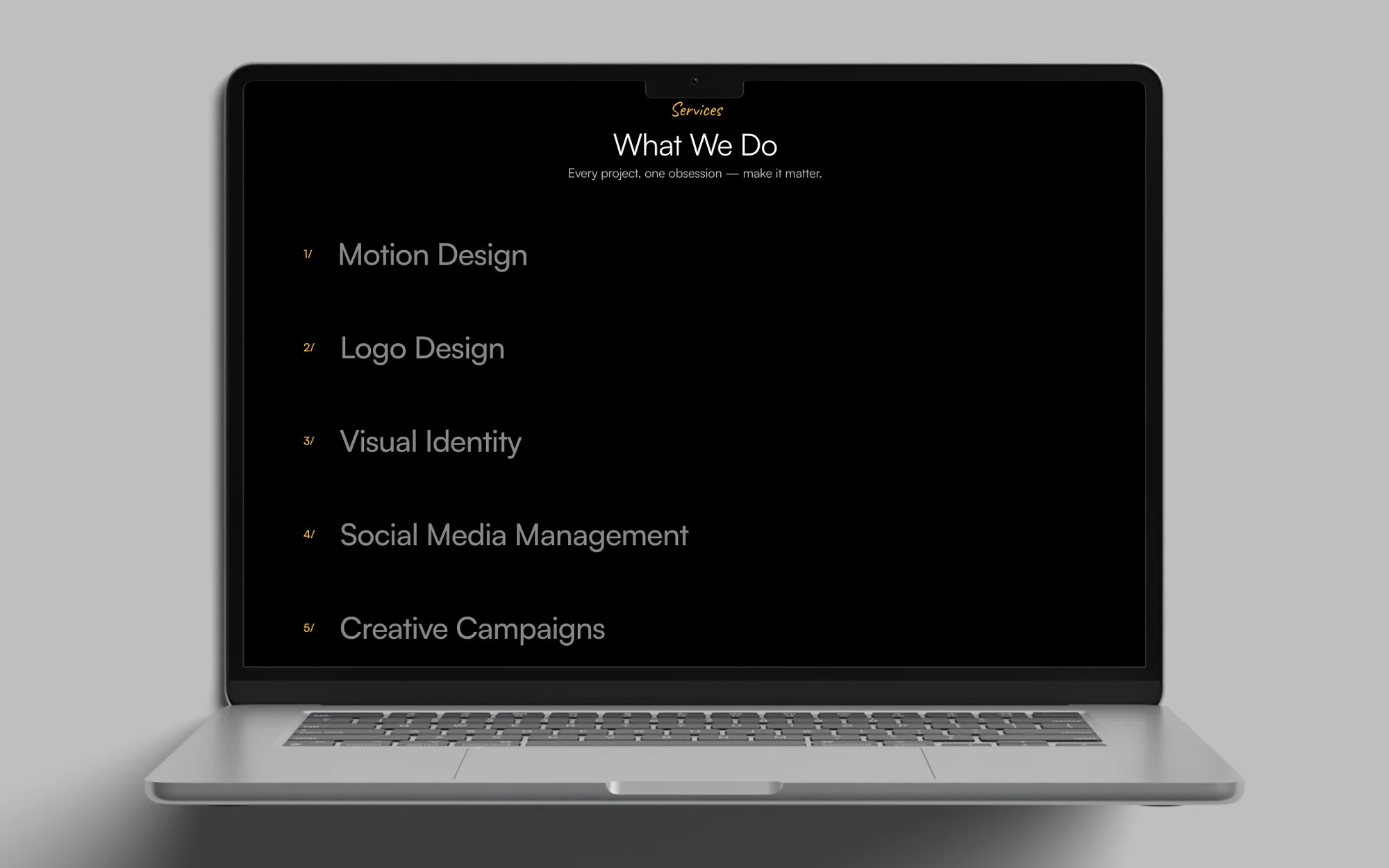
Bold Agency services list on black: Motion Design, Logo Design, Visual Identity, Social Media Management, Creative Campaigns, Performance Marketing, Web Development and Packaging, each with a yellow number
What We Do: hovering a service shows its visual.

Small jobs get their own strip. I used a yellow band that reads WhatsApp US, Quick Extras, Add-ons and No Proposal Needed to break the page. Below it, Quick add-ons, no big proposal needed introduces six smaller products, with the Social Media Kit as the yellow card marked team fav. A yellow Like Something? card sends visitors to WhatsApp.
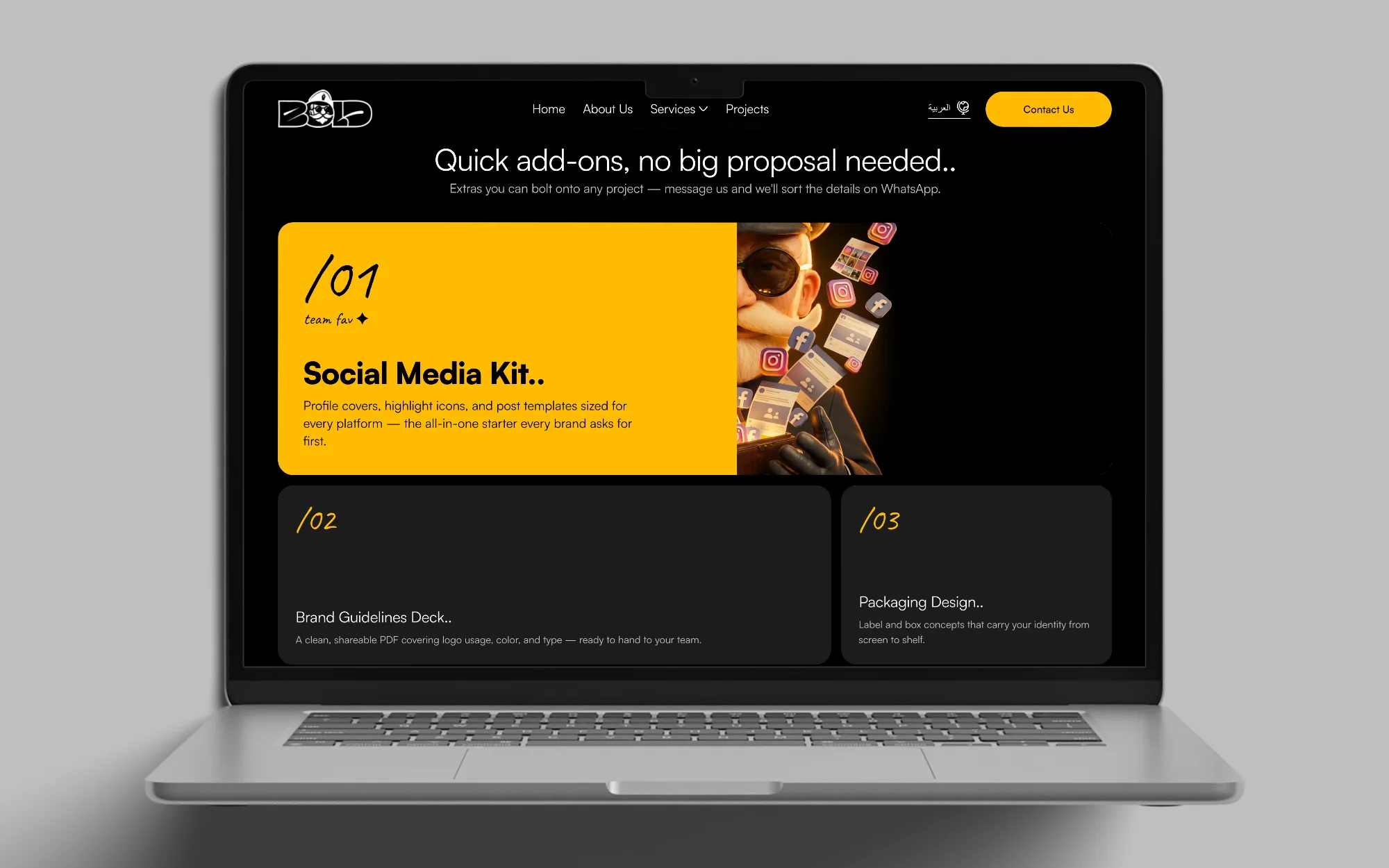
Quick add-ons section: a yellow band, the yellow Social Media Kit card and five add-on cards on black
The add-on tapes cross above the Quick add-ons heading.

Work as tall cards. I opened Selected Work with one large Burgundy Agency card beside narrow project cards, and put the project name and two arrow buttons under the first card.
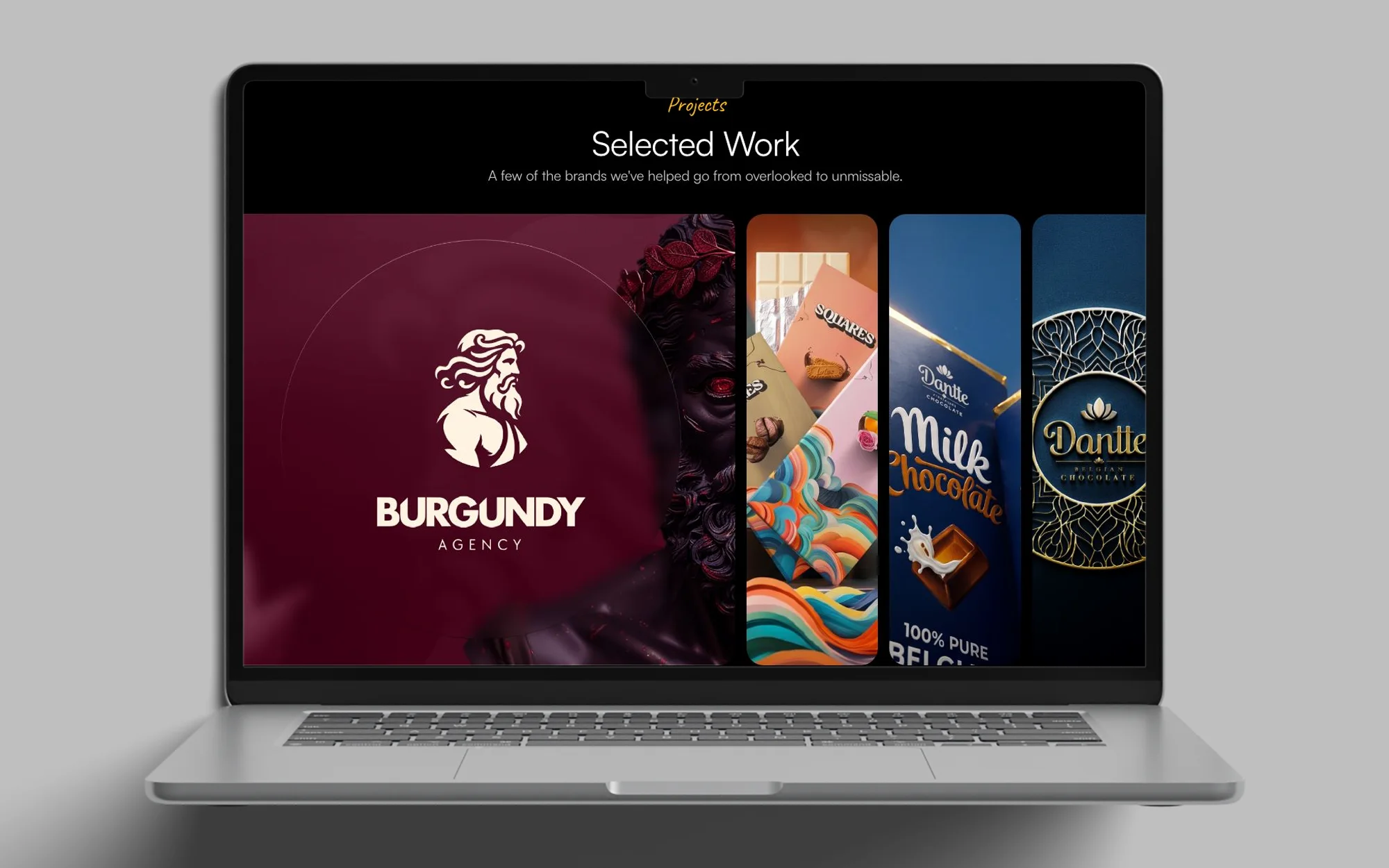
Selected Work on black: a large Burgundy Agency card beside tall project cards for chocolate brands, under a yellow Like Something card
Selected Work: scrolling through the project cards.

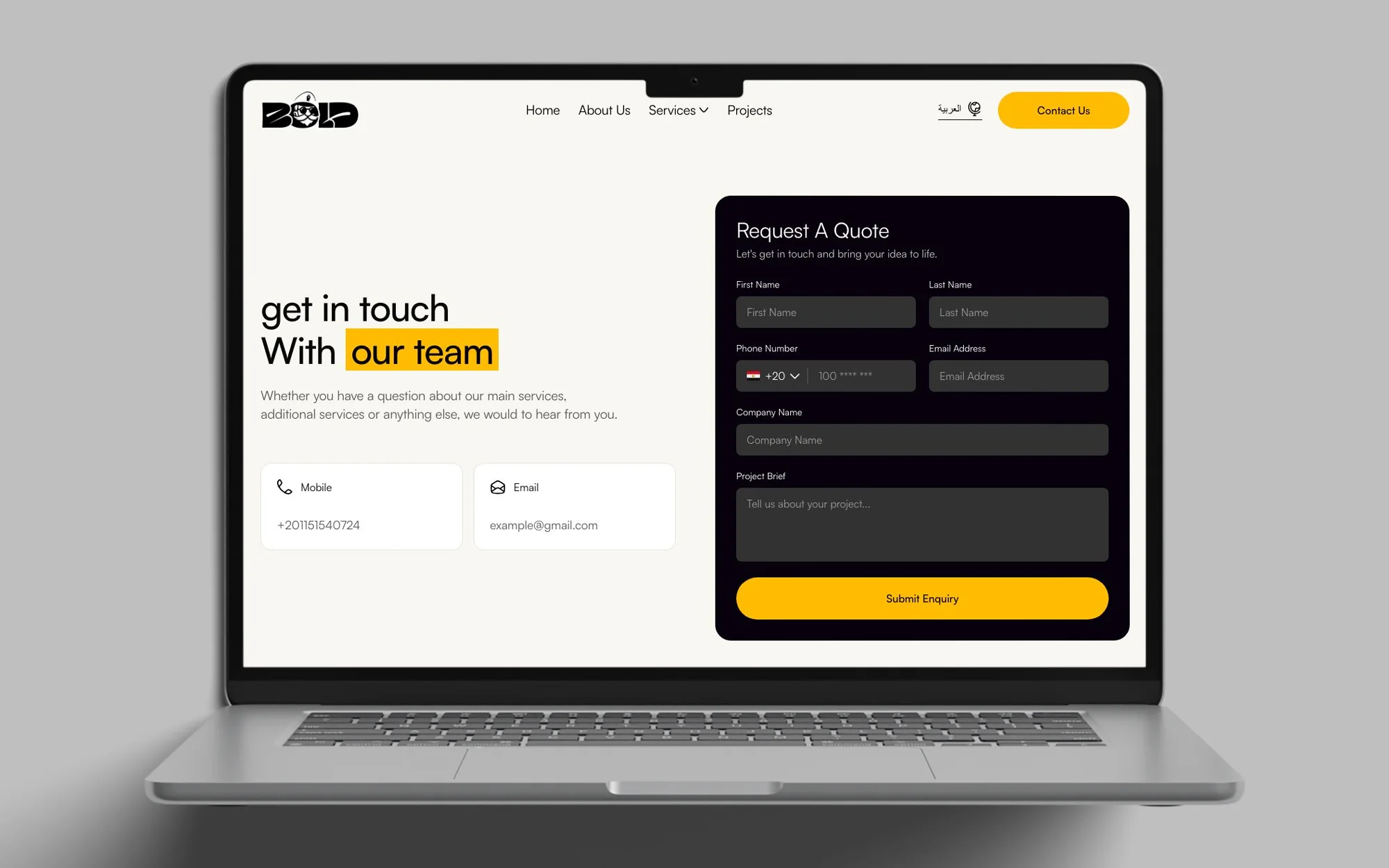
One form for the brief. I paired the heading Get in touch with our team with a Request A Quote form. The form asks for name, phone, email, company and a Project Brief, and ends in a yellow Submit Enquiry button. The mobile and email cards sit under the heading.

The Screens
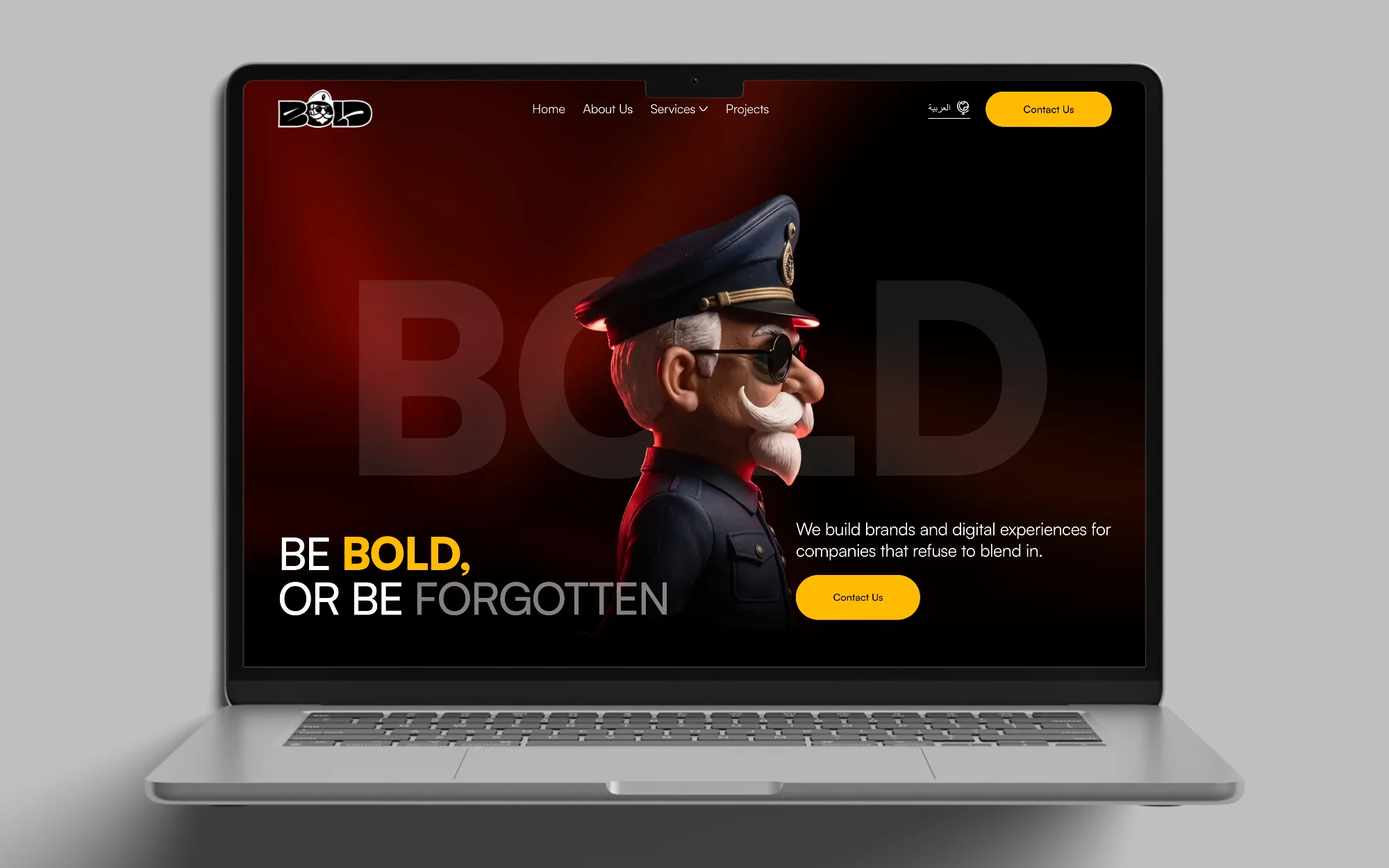
The Bold Agency home page hero: the BOLD mascot and the headline Be Bold, or be forgotten, with a Contact Us button
The home page hero.
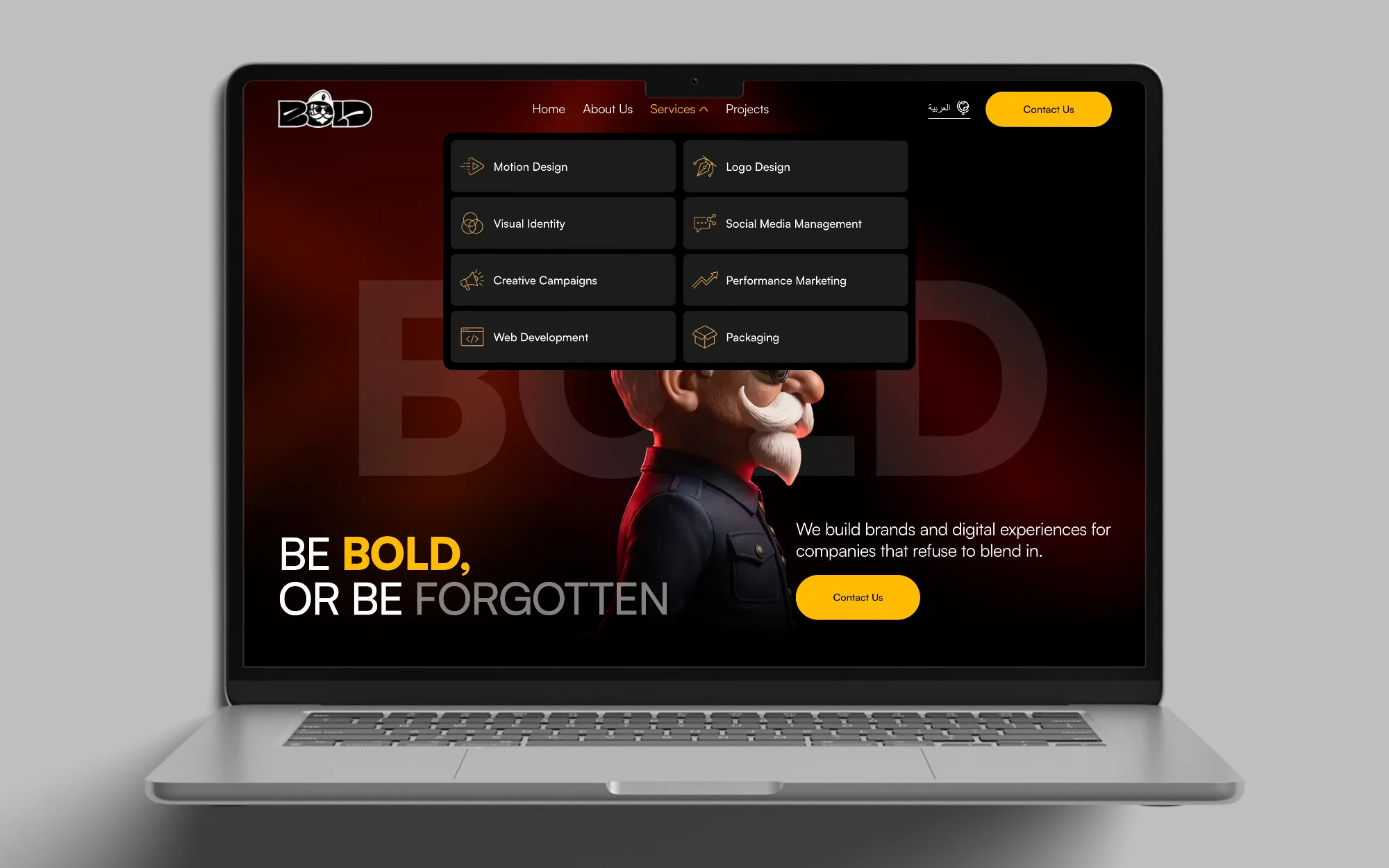
Hovering Services opens the menu of eight services.
The Bold Agency home page with the Services menu open: eight services, each with its own icon
The Services menu: eight services, each a link to its own page.
On a phone, the menu slides down from the top bar.
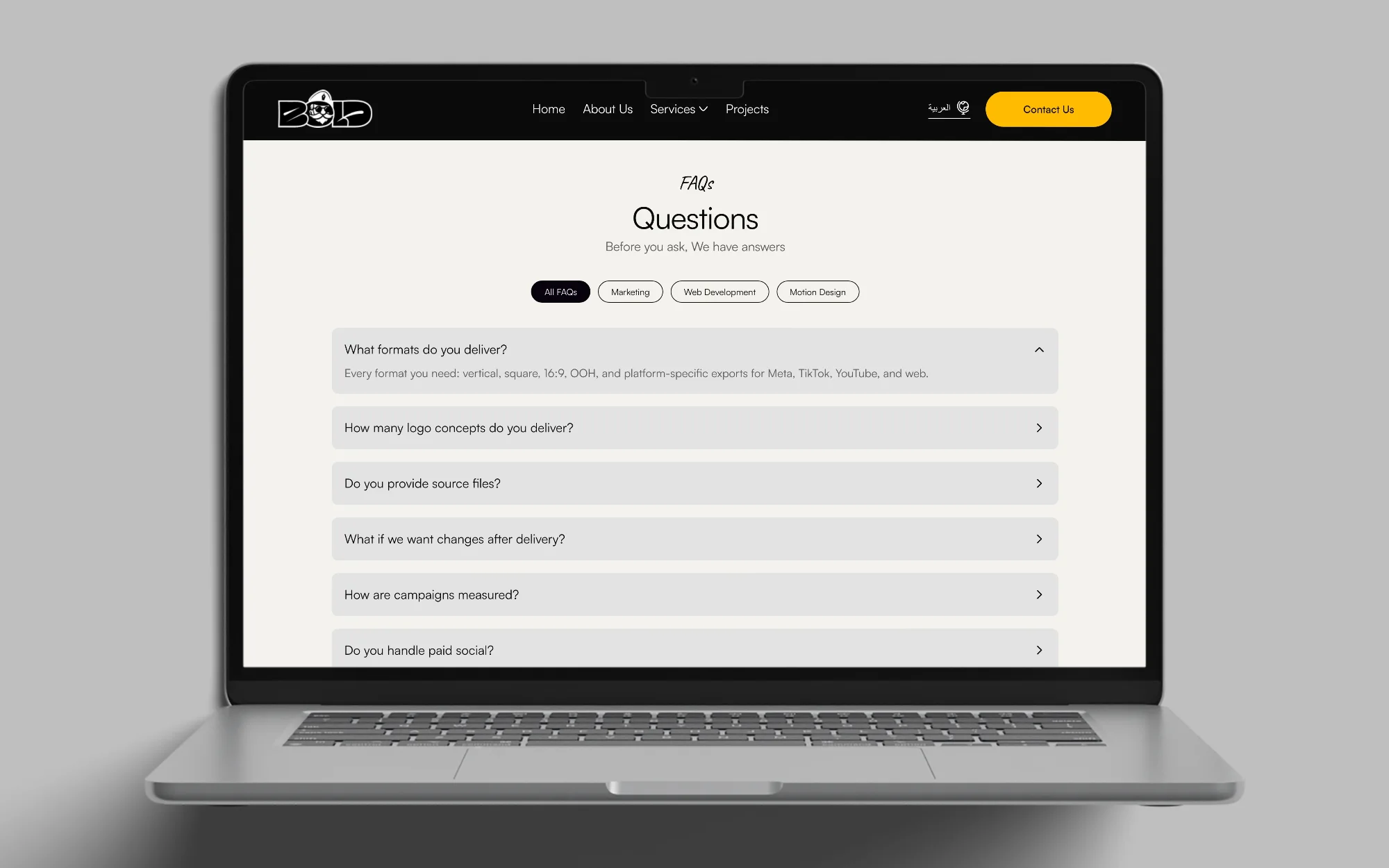
The Bold Agency FAQ: the Questions heading, category filters and an accordion of questions
The FAQ: filter tabs above an accordion of questions.
Bold Agency contact page: the get in touch heading beside a Request A Quote form with a Project Brief field and a yellow Submit Enquiry button
The contact page: a Request A Quote form beside the phone and email.

Outcome

The site is launching soon, and they talked about the very good UI.

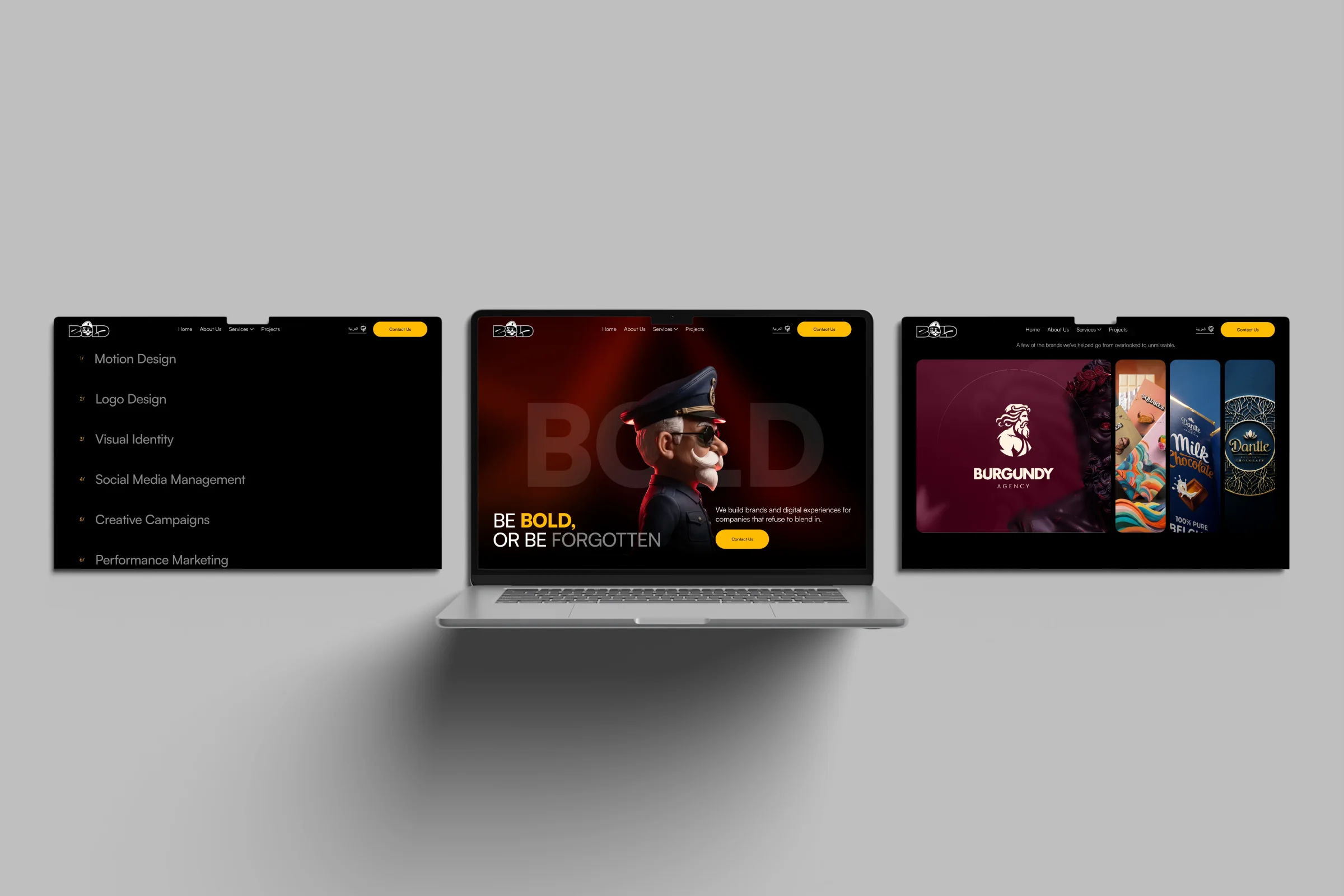
Bold Agency pages on a laptop and screens
The hero, services, add-ons and Selected Work.
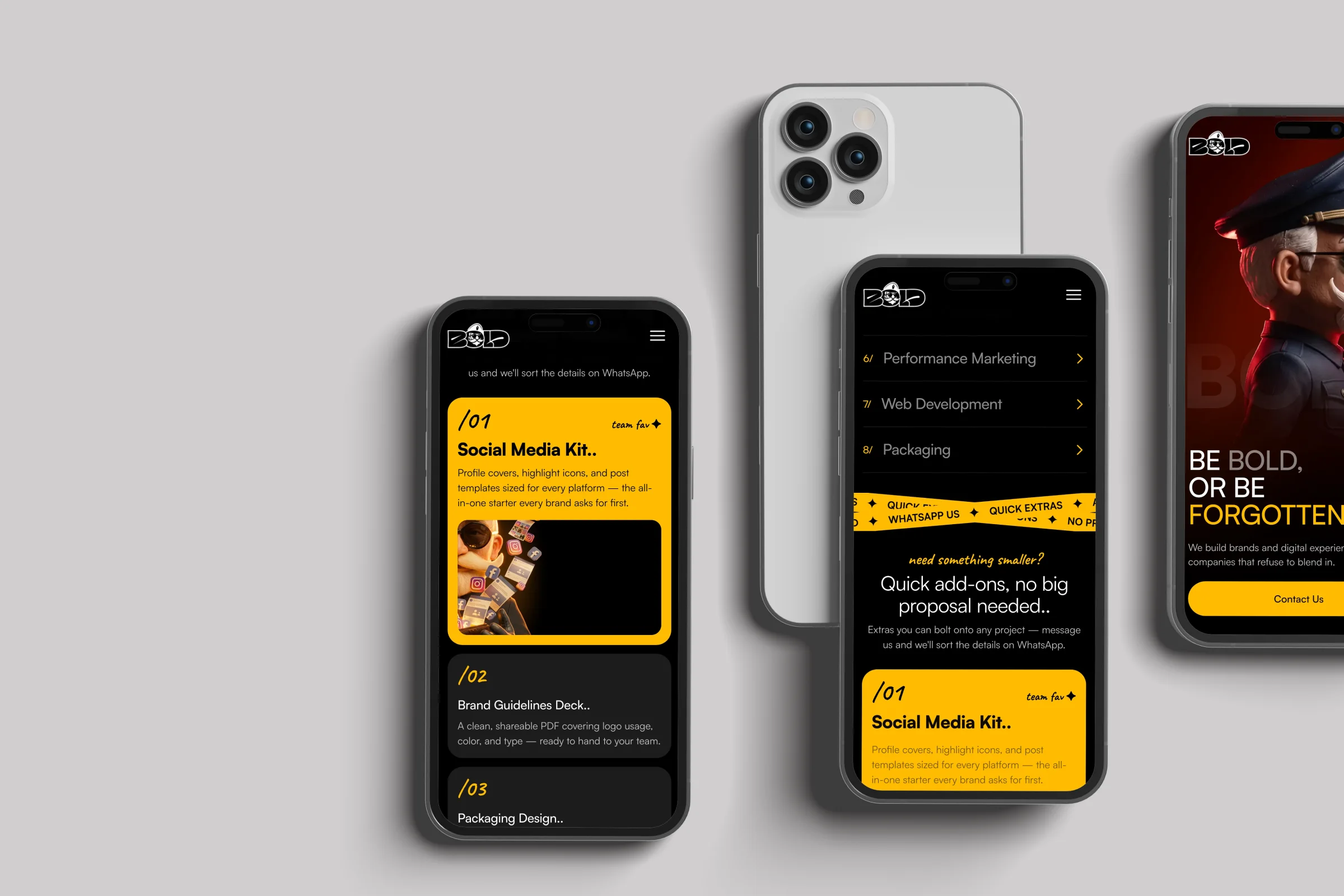
Bold Agency pages on phones
The site on phones.

Client feedback

The client praised the UI.